
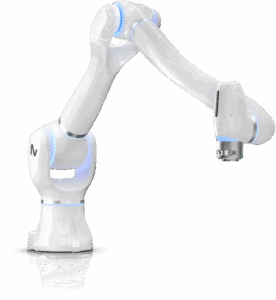


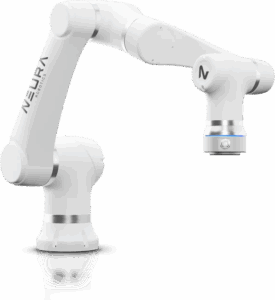


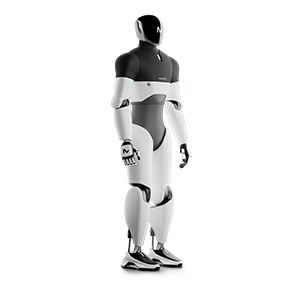


Open down to the joint
Control MiPA natively through ROS 2, or use the Python SDK for higher-level commands. The arm controllers take position, velocity and torque commands at 1 kHz.
Research platform
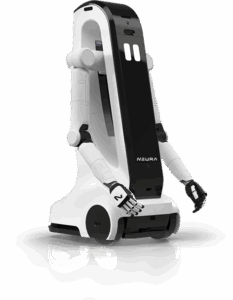
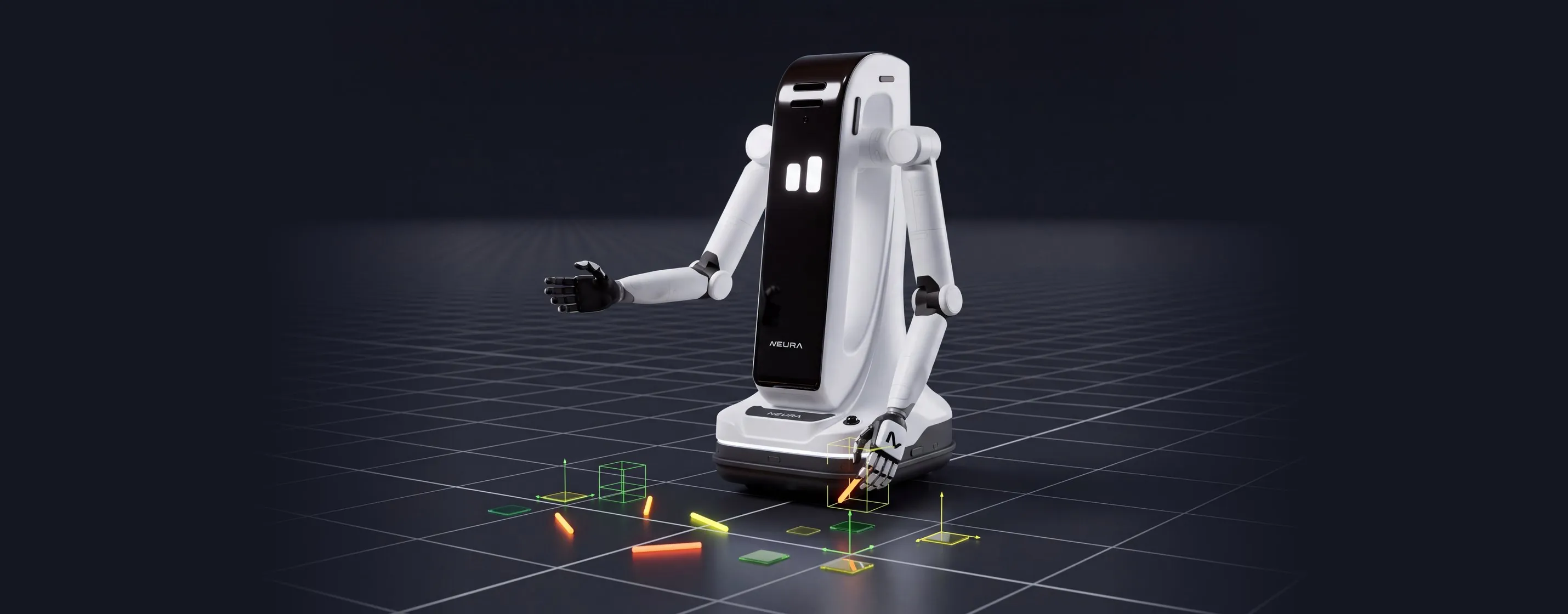
A mobile dual-arm robot with open interfaces for research in mobile manipulation, human-robot interaction and Physical AI.
Research
Control MiPA natively through ROS 2, or use the Python SDK for higher-level commands. The arm controllers take position, velocity and torque commands at 1 kHz.
Two 7-DoF arms on a linear lift axis and an omnidirectional base. End effectors are changeable, so you can set MiPA up for your own grasping and manipulation experiments.
NVIDIA Jetson Thor runs your models on board. Record arm joints at 1 kHz and video at 30 Hz, export them as ROS bags and feed them into your training pipeline.
Isaac Sim, Isaac Lab, MuJoCo and Gazebo come configured for MiPA. Your team can start before the robot arrives.
Pick the level your project needs. Use ROS 2 for full flexibility down to the arm controllers, or the Python SDK for navigation, arm motion and MoveIt in a few lines of code.
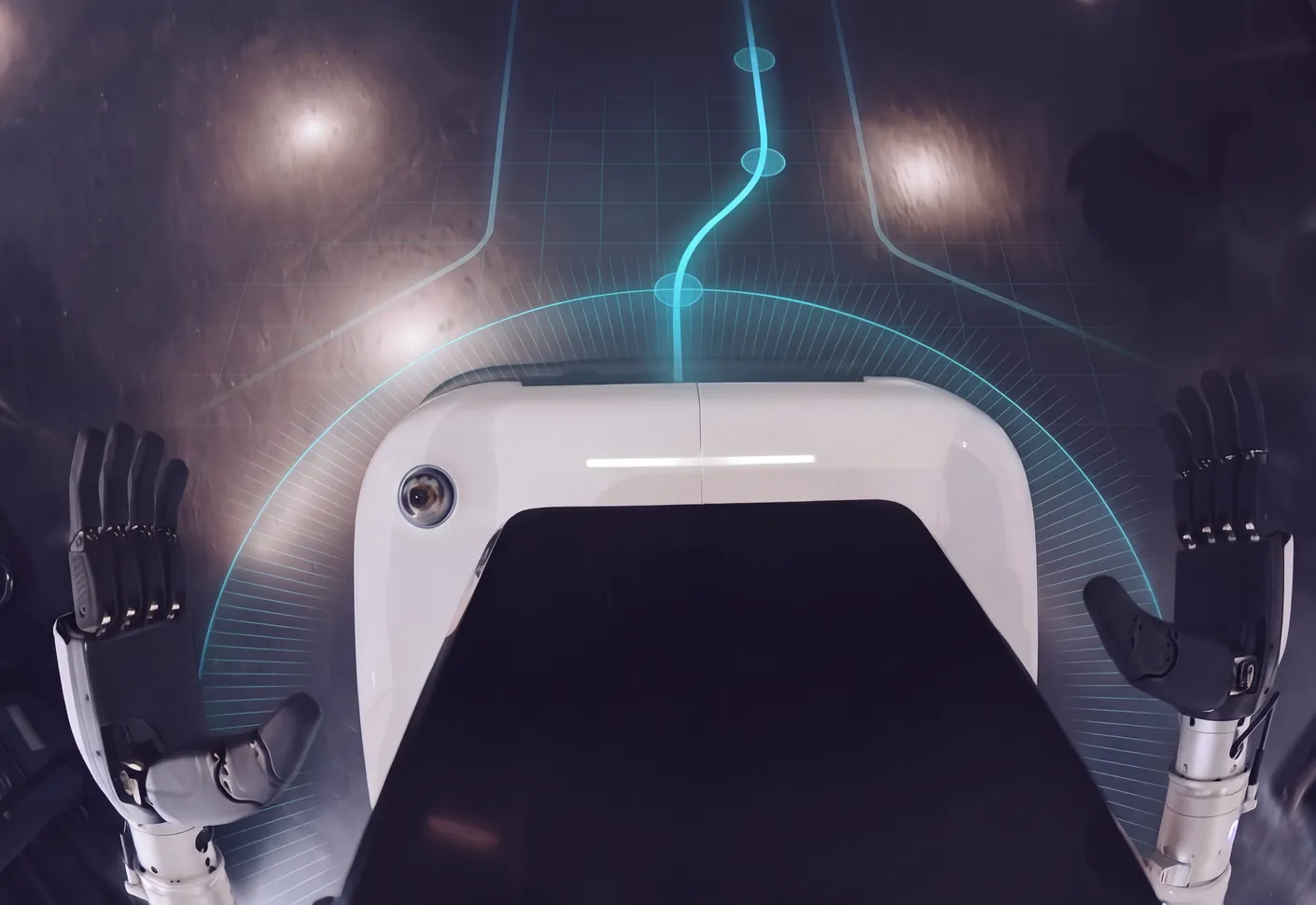
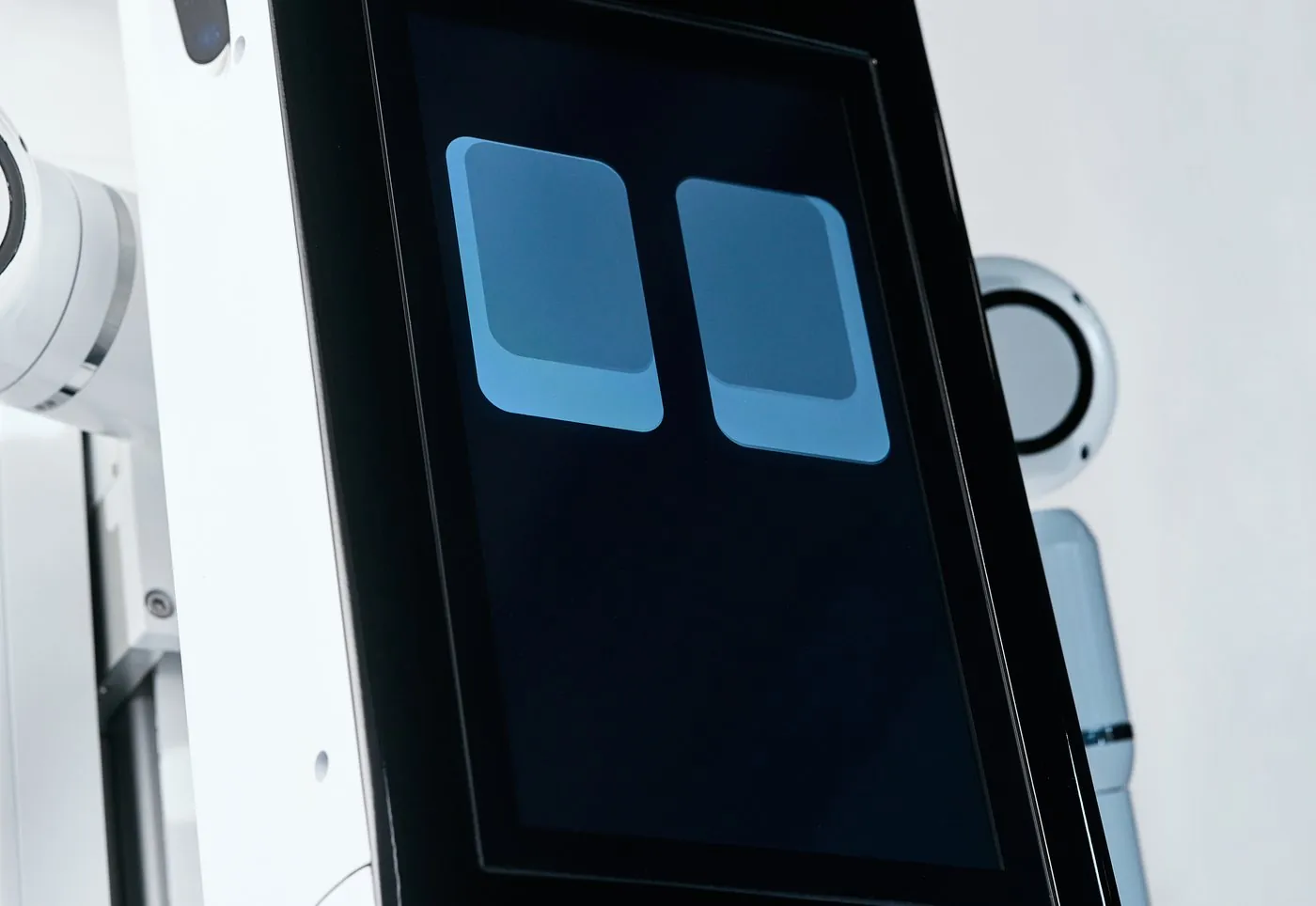
MiPA has a touch display, a microphone array and a speaker, so you can study multimodal human-robot interaction on the same robot you use for manipulation.
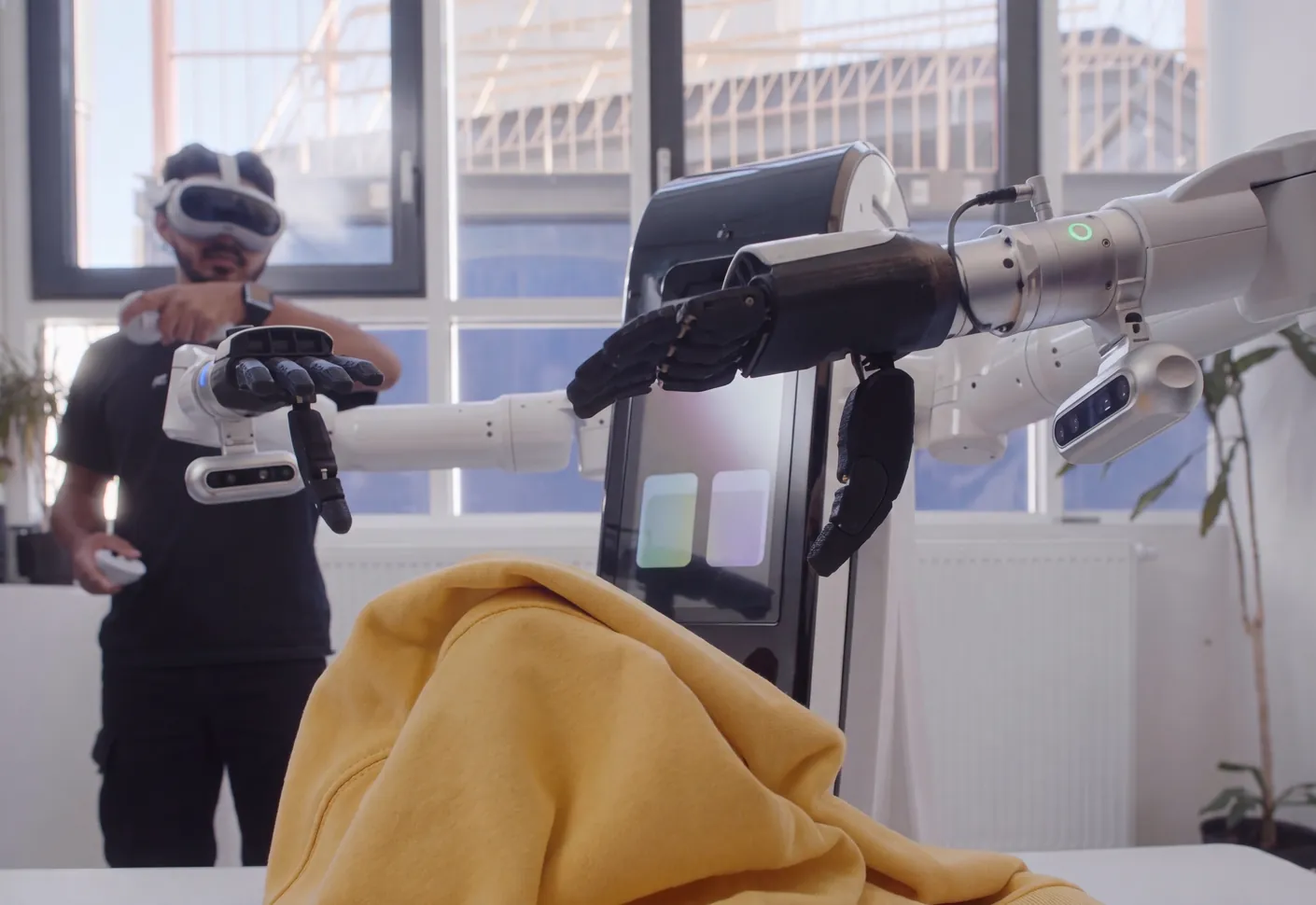
Control MiPA remotely with common teleoperation devices and record the demonstrations you need for training.
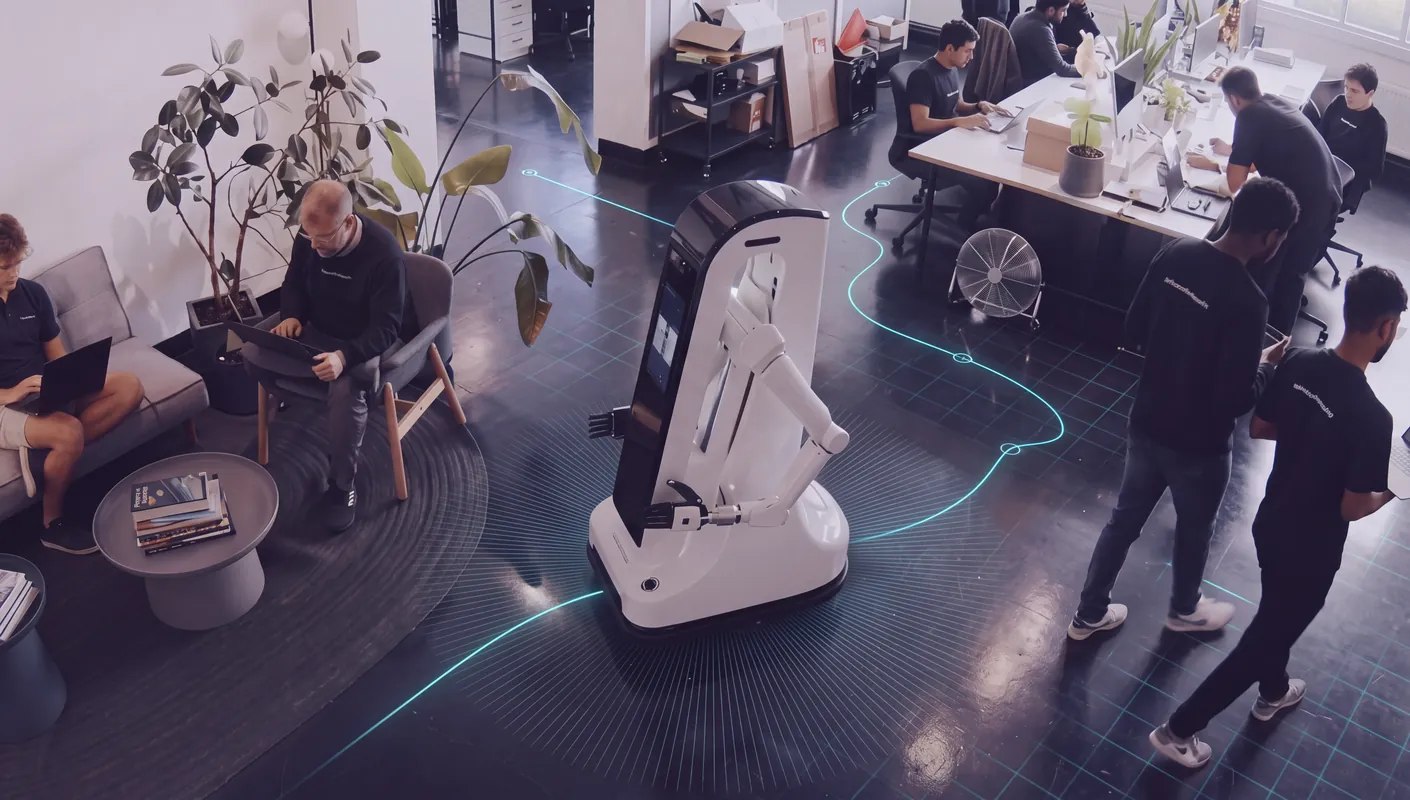
MiPA navigates corridors and halls on its own, tested in a former hospital building.
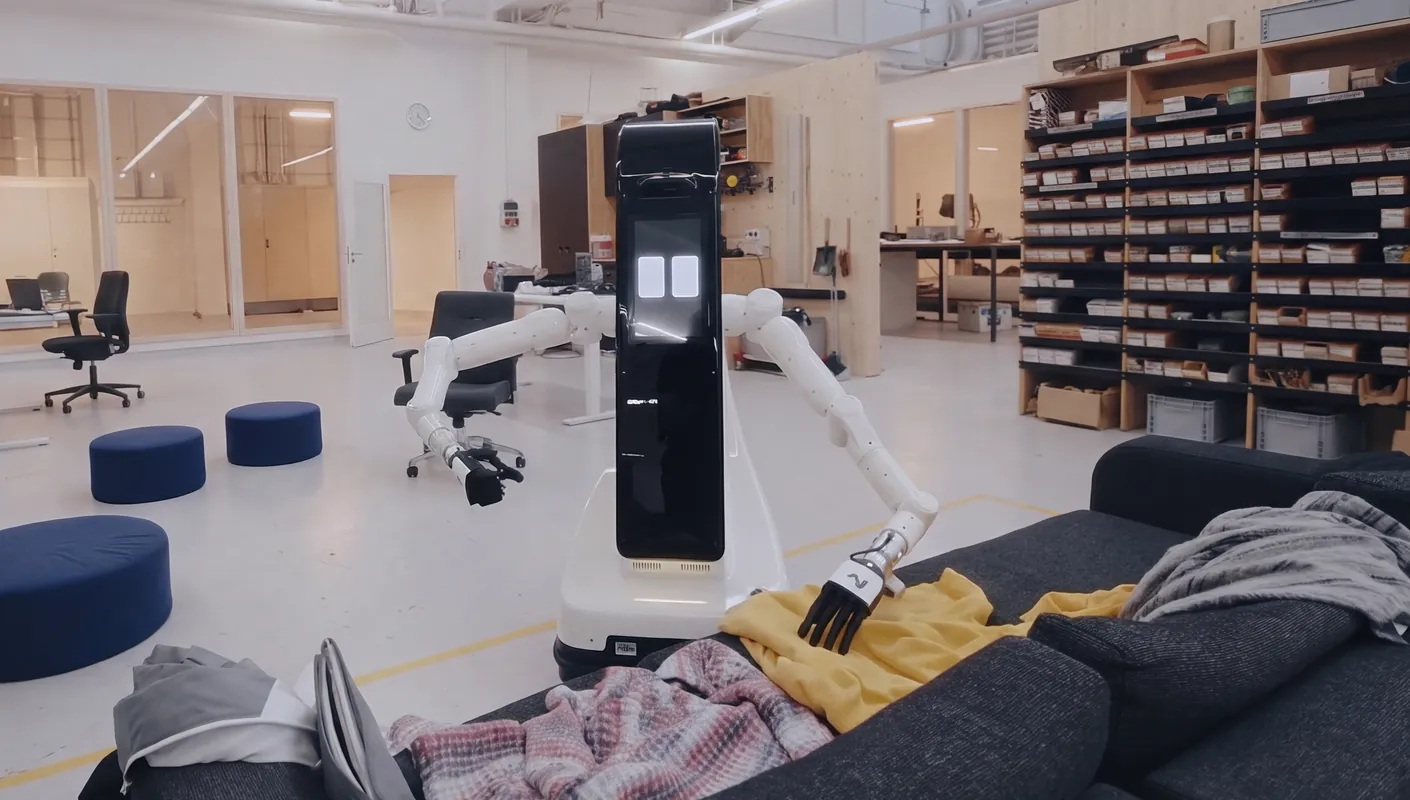
MiPA works with both arms in a shared space and picks everyday items from a shelf.
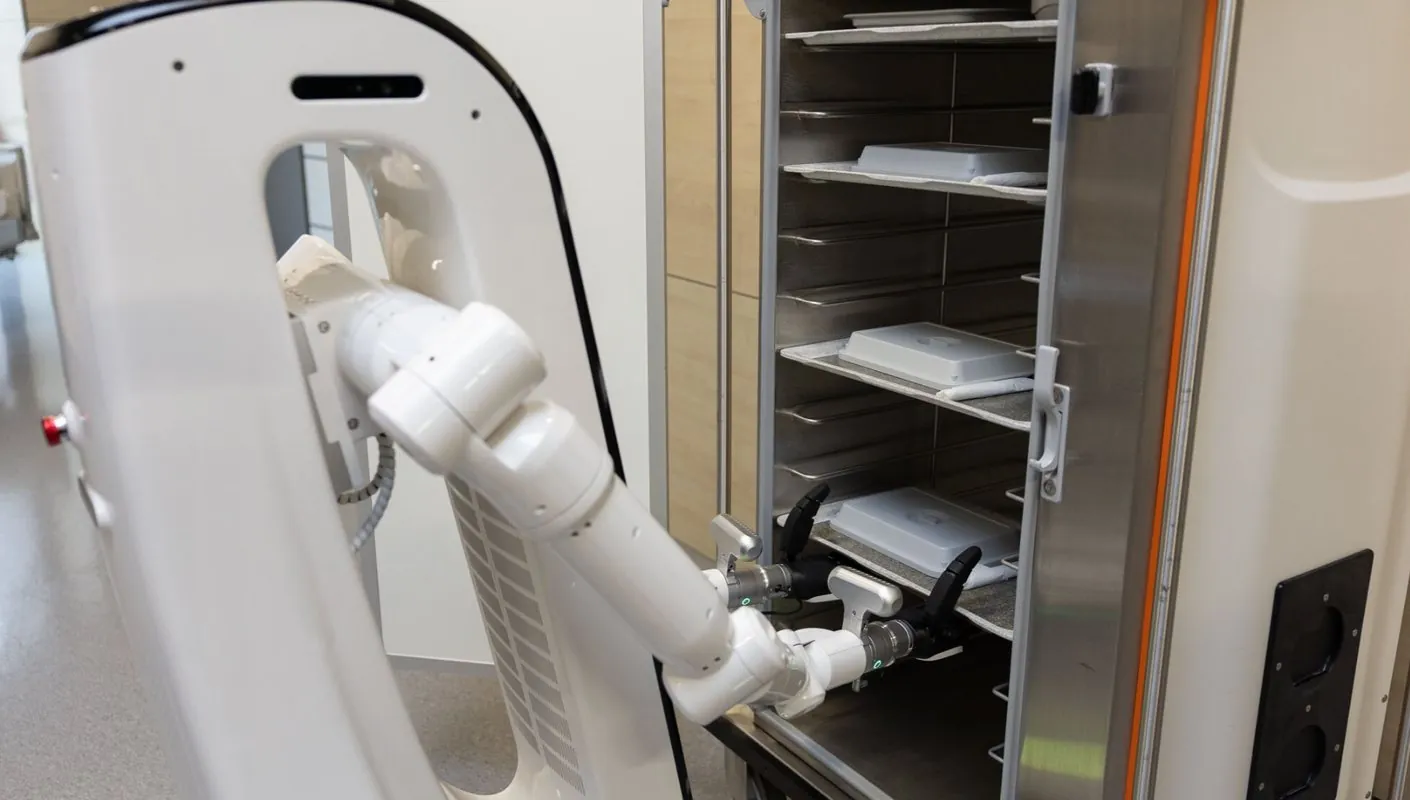
MiPA picks parts from the containers of an automated small-parts warehouse.
Research
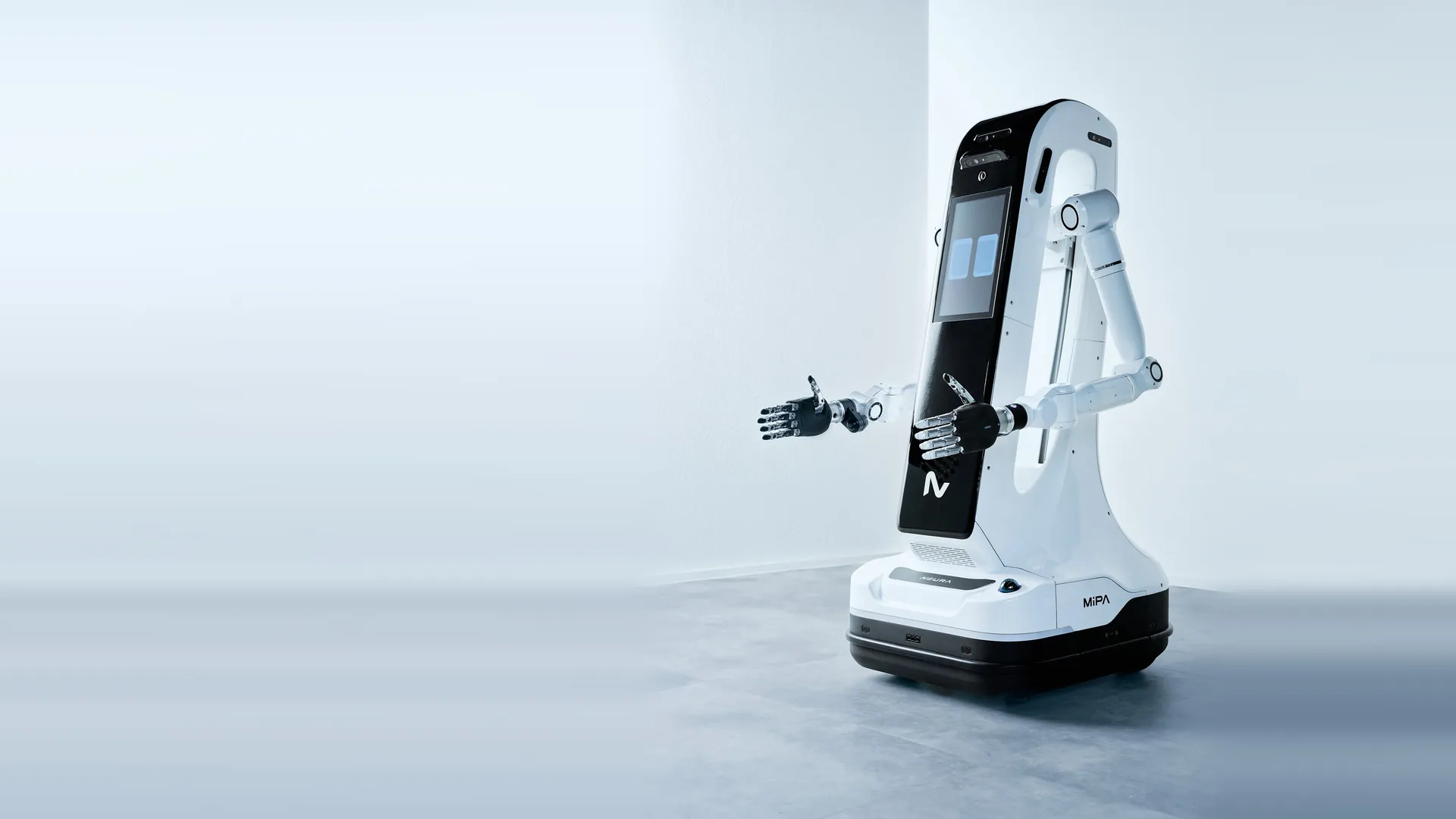
Specifications are subject to change.
Generate synthetic data. Comes configured with MoveIt and Nav2.
Train MiPA policies with reinforcement learning.
Run physics simulation with a ready robot model and configuration.
Simulate inside your existing ROS environment.
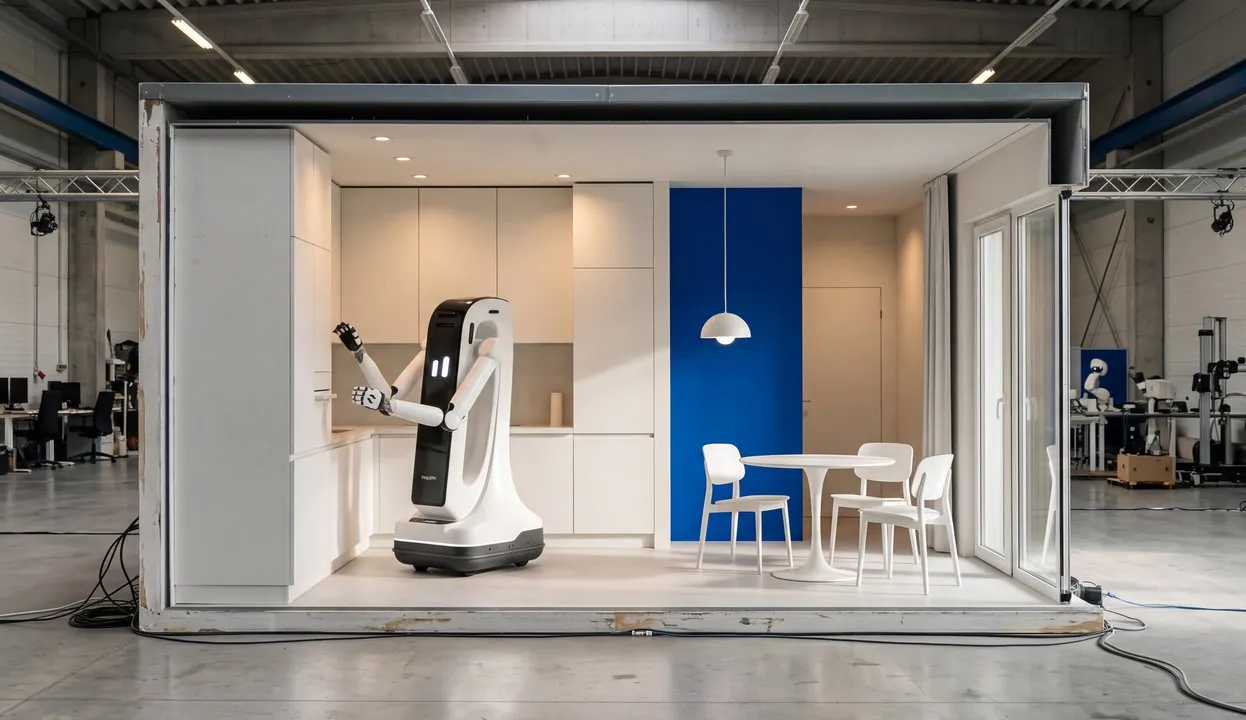
Train and test skills on real NEURA robots in NEURA facilities, or collect data with your MiPA on site and use the NEURA Gym data pipelines.
Learn more about NEURA Gym →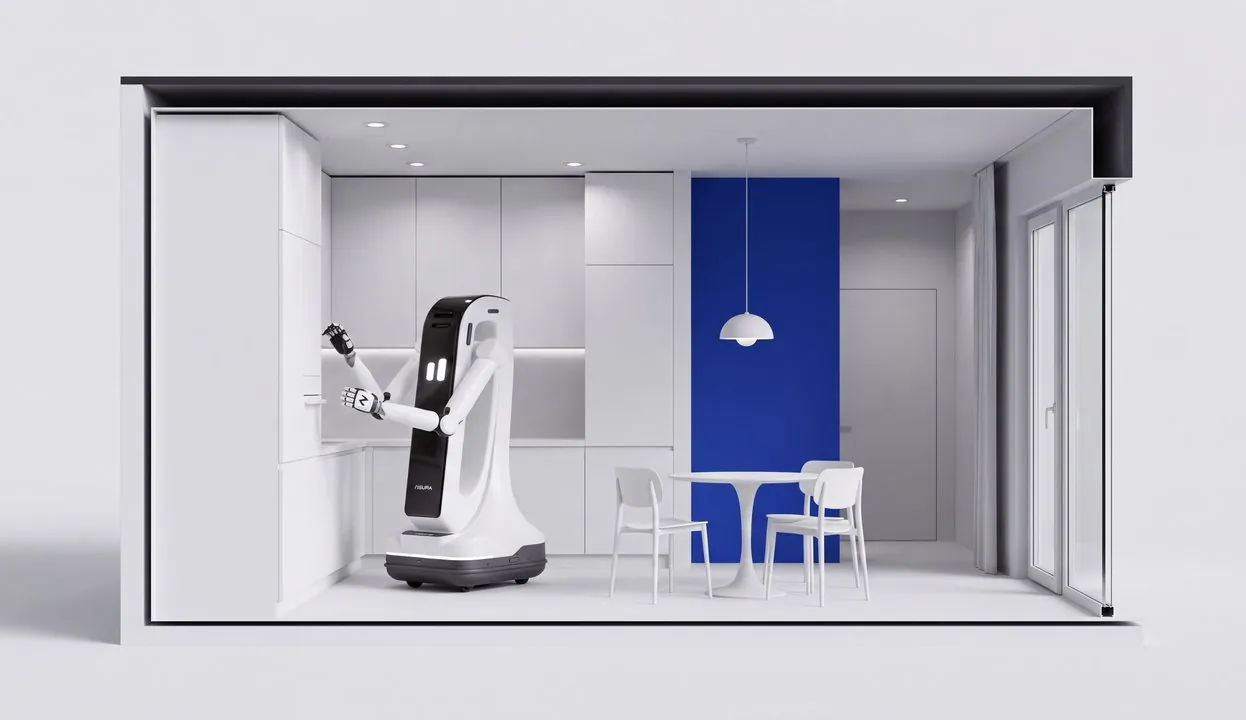
Build, simulate and deploy on one platform, with a digital twin, visual flow-based programming, Neuron Suite, Creator Hub and Marketplace.
Early access →NEURA Research Programme
The 2026/27 call closed on 30 October 2026 with more than 170 proposals. The NEURA Research Board selects projects by 20 November 2026, and the first projects start from 1 December 2026.
Project start is subject to a separate cooperation agreement with NEURA.
Funded projects will be presented here after the selection.
No further call has been announced yet. For inquiries contact us at [email protected]
The NEURA Research Programme is a private-sector funding initiative of NEURA Robotics GmbH. It is not a public grant and not a tender, and it does not constitute an offer.
MiPA is NEURA's mobile dual-arm robot with an open software interface. Research teams use it for mobile manipulation, human-robot interaction and Physical AI.
Yes. MiPA is ROS 2 native. You can send position, velocity and torque commands straight to the arm controllers.
Isaac Sim (with MoveIt and Nav2), Isaac Lab, MuJoCo and Gazebo.
Yes. End effectors are changeable, and the flange provides 24 V and Single Pair Ethernet.
Tell us about your project in the form below and our team will get back to you with options.
No. The 2026/27 call closed on 30 October 2026. Leave your details in the form below to learn more about future programmes.
Tell us about your team and what you plan to research with MiPA. We will get back to you.